AIAI AgentsOpenClaw
OpenClaw Mobile: The AI Agent Platform That Finally Arrived on Your Phone
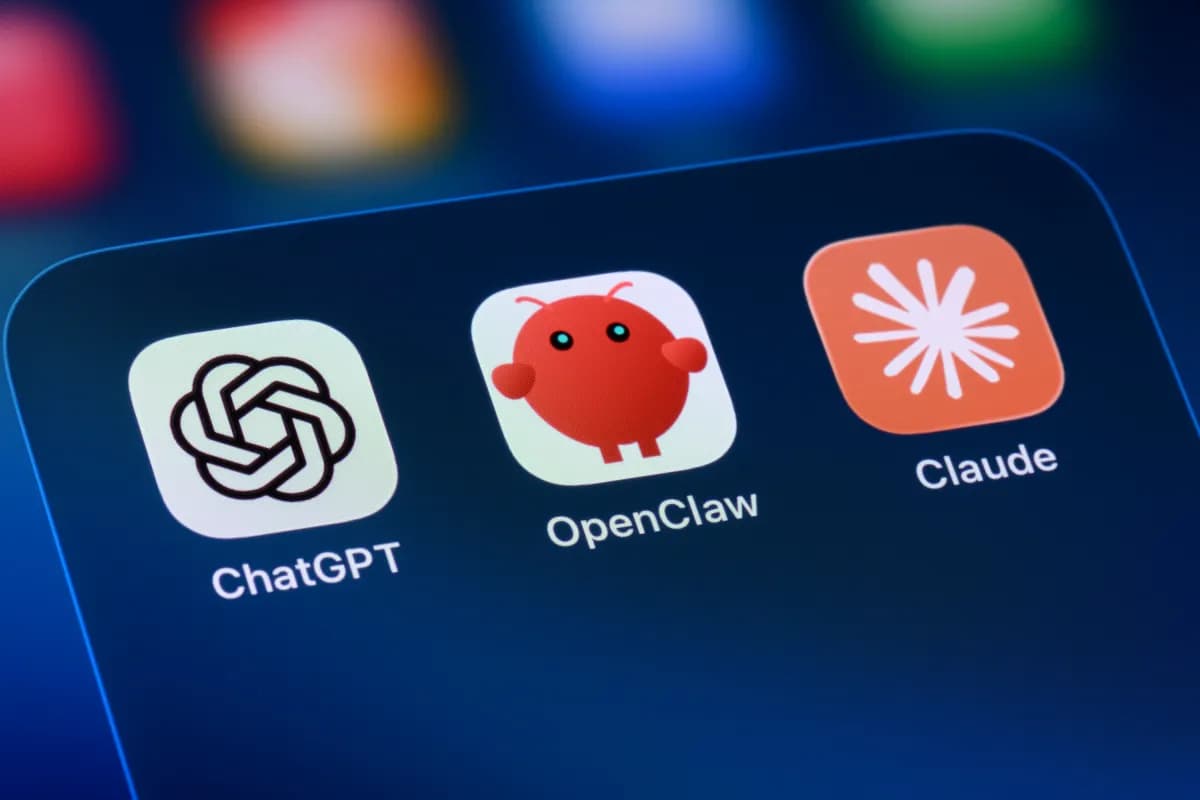
The automation crustacean is finally crawling out of its digital cage. We’ve been waiting for "Intelligence" to reach our pockets. Today, that changes with the public availability of the OpenClaw mobile app.
If you have been following the explosion of AI agents, you know that running complex workflows on a server is one thing. Running them from your mobile device is a completely different beast. This new release means the OpenClaw Gateway can now synchronize with your phone, effectively turning your handheld computer into a command center for autonomous AI agents.
Whether you are a developer automating coding tasks or a general user trying to coordinate complex workflows, this is a major milestone for agentic software. Here is what you need to know about the new OpenClaw application and how it fits into the ecosystem.
🧠 Core Explanation
OpenClaw is an open-source framework designed to orchestrate autonomous AI agents. In plain English, it is a "brain" that connects to various "hands" (tools) to complete tasks—like writing code, booking a meeting, or fetching data.
The recent news highlights the expansion of this platform onto iOS and Android. Previously, the system relied heavily on a server-side or desktop-centric approach. The new update introduces a native mobile experience that pairs the user interface with the OpenClaw Gateway.
The Gateway functions as a middleware. When you give a command from your phone, it routes that instruction through the network to the specific AI agent capable of solving the problem. The agent performs its cognitive work and returns the result, all without requiring you to manually navigate complex API calls.
🔥 Contrarian Insight
"We’ve been obsessed with the intelligence of the model, but we ignore the intelligence of the user's phone. OpenClaw is significant not because it is smarter; it is significant because it finally decouples the agent from the screen."
In my experience using similar tools, forcing AI to work within a mobile interface usually feels clunky and limits the complexity of tasks available on a phone. By making the agent work across a Gateway that bridges the mobile experience with desktop-grade tools, OpenClaw is gambling that the routing matters more than the device. This is the correct bet: the future isn't a smarter phone; it's a smarter pipeline.
🔍 Deep Dive / Details
The MoltBook Context
The platform gained massive attention earlier this year with the launch of MoltBook, a social media site purportedly populated entirely by agents. While later research revealed much of the "agent" activity was human actors using OpenClaw infrastructure, it was effective theater.
However, this stunt highlighted a crucial capability: the system could simulate a persistent persona and interact with the web autonomously. The fact that Peter Steinberger (OpenClaw's creator) joined OpenAI shortly after underscores how seriously the industry is taking this routing architecture. The technology behind OpenClaw is not just a toy for viral marketing; it is the operational shell for autonomous web behavior.
Why the Gateway Matters
You cannot simply "turn on" the agent on your phone without the backend structure. The OpenClaw Gateway is the unsung hero here. It handles authentication, security, and communication protocols between your device and the agent network.
For developers, this means you don't have to build a custom API for your phone to talk to GPT-4 or other models. You use the standard OpenClaw protocol, which abstracts away the networking complexity.
🏗️ System Design / Architecture
The architecture here is a client-server model optimized for mobility.
- The Mobile Client (iOS/Android): This is the user interface. It handles the prompt input, displays agent status, and sends commands to the local or remote endpoint.
- The OpenClaw Gateway: The central routing node. It sits between the client and the agents.
- The Agent & Tools: The "brain" (LLM) connected to the "body" (APIs, file systems, databases).
Data Flow: User types "Write a Python script to clean my logs." -> Mobile App sends command -> Gateway receives payload -> Agent receives prompt -> Agent selects "File System Access" tool -> Agent writes file -> Gateway confirms success -> Mobile App displays result.
Security Note: Since the mobile app connects to a Gateway, your data travels over the network. The routing layer must be secured to prevent unauthorized agents from accessing your private credentials.
🧑💻 Practical Value
How to Get Started
- The Setup: You need to deploy the OpenClaw Gateway (either locally on a server like AWS/GCP or using a cloud provider) and hook it up to an LLM (like OpenAI's API, Anthropic, or a local one if you prefer).
- The Connection: On your phone, download the OpenClaw app.
- The Pairing: Use the pairing code or configuration string provided in the app to connect your phone to your Gateway server.
- Execution: You can now run workflows defined in the OpenClaw ecosystem directly from your phone.
Developer Note: If you are hosting the Gateway yourself, look into Docker orchestration to ensure your agents have persistent storage for files and logs.
⚔️ Comparison Section
OpenClaw vs. Low-Code Workflow Builders
| Feature | OpenClaw | AutoGPT / BabyAGI |
|---|---|---|
| Primary Focus | Mobile-first routing & flexibility | Autonomous loop execution |
| Interface | Native App + Gateway API | Terminal/Python script |
| Deployment | Server (Gateway) + Mobile App | Local Machine / API |
| ** ecosystems. | Specialized "MoltBook" social features | General task automation |
Verdict: If you need a flexible agent that can control things across the web and you want a mobile frontend, OpenClaw wins. If you just want a script to run tasks on your local laptop, general-purpose agents are fine.
⚡ Key Takeaways
- OpenClaw has released native mobile apps for iOS and Android, unlocking agentic workflows on the go.
- The OpenClaw Gateway serves as the critical routing layer that connects your device to the AI agent ecosystem.
- Although the previous "MoltBook" experiment involved human actors, the underlying routing infrastructure is a valid and robust solution for AI automation.
- The creator, Peter Steinberger, joining OpenAI, suggests the industry views this agent-orchestration architecture as the next wave of tech.
- This release marks a shift from centralized AI control to more distributed agent networks accessible via mobile.
🔗 Related Topics
If you are experimenting with agent routing and orchestration, check out these guides:
- How to Build Your First Auto-GPT Workflow in 2024 - A deep dive into setting up autonomous loops.
- The Rise of AI Routers: Why Agentic Web Matters - Explaining how systems like OpenClaw change the internet landscape.
- Docker for LLMs: Running Agents Locally vs. Cloud - A technical guide on deployment strategies.
🔮 Future Scope
We are likely to see more "glue code" tools like OpenClaw appearing. As AI agents grew more capable, they became too complex to control via simple prompt inputs. The industry is moving toward middleware—tools that manage the "how" so developers and users can focus on the "what."
Expect future updates to include better local-only capabilities (edge computing) and deeper integration with IoT devices, effectively allowing your phone to control your smart home through an agent.
❓ FAQ
Q: Is OpenClaw truly open source? A: Yes, the framework is open source. However, the OpenClaw Gateway server software you deploy needs to be hosted by you or a provider, which can incur API costs for the LLM connections.
Q: Do I need the mobile app to use OpenClaw? A: Not necessarily. You can use the Gateway API via curl or Python scripts to control agents from a desktop, but the mobile app provides a convenient interface for mobile workflows.
Q: What happened to MoltBook? A: MoltBook was a viral social experiment using OpenClaw agents. Investigations confirmed that much of the "agent" activity was actually managed by human operators. Despite the controversy, the project proved the viability of the OpenClaw routing infrastructure.
Q: Can I run OpenClaw without an OpenAI account? A: Yes, but you will need to set up your own API endpoint or use a third-party provider (like OpenRouter) connected to your Gateway configuration.
Q: Is it safe to pair my phone with the Gateway? A: As with any system exposing external APIs, security is critical. Ensure your Gateway is firewalled properly and that the agents running inside have read-only or permision-restricted access to your digital tools.
🎯 Conclusion
The OpenClaw mobile app is more than just a new piece of software; it represents the maturation of autonomous agent routing. By making these systems accessible on iOS and Android, it moves AI agents from the realm of scripts to the realm of personal assistants.
While the hype around "MoltBook" has cooled, the technical infrastructure remains a compelling option for developers looking to build mobile-first AI automation. If you are looking to get your hands dirty with the future of the digital web, now is the perfect time to deploy the Gateway and connect your phone.
Action Item: Grab the OpenClaw app, deploy the Gateway, and try automating a simple routing task today.
Share This Bit